
A messy desk makes for a messy mind. Whether you work from home full-time or just need a corner for bills and laptops, these 15 home office organisation ideas will turn any workspace — big or tiny — into a calm, productive zone.
Every idea is budget-friendly, most take under 30 minutes, and none require a renovation. Let’s build a workspace that actually helps you get things done.
1. Start With a Ruthless Desk Declutter
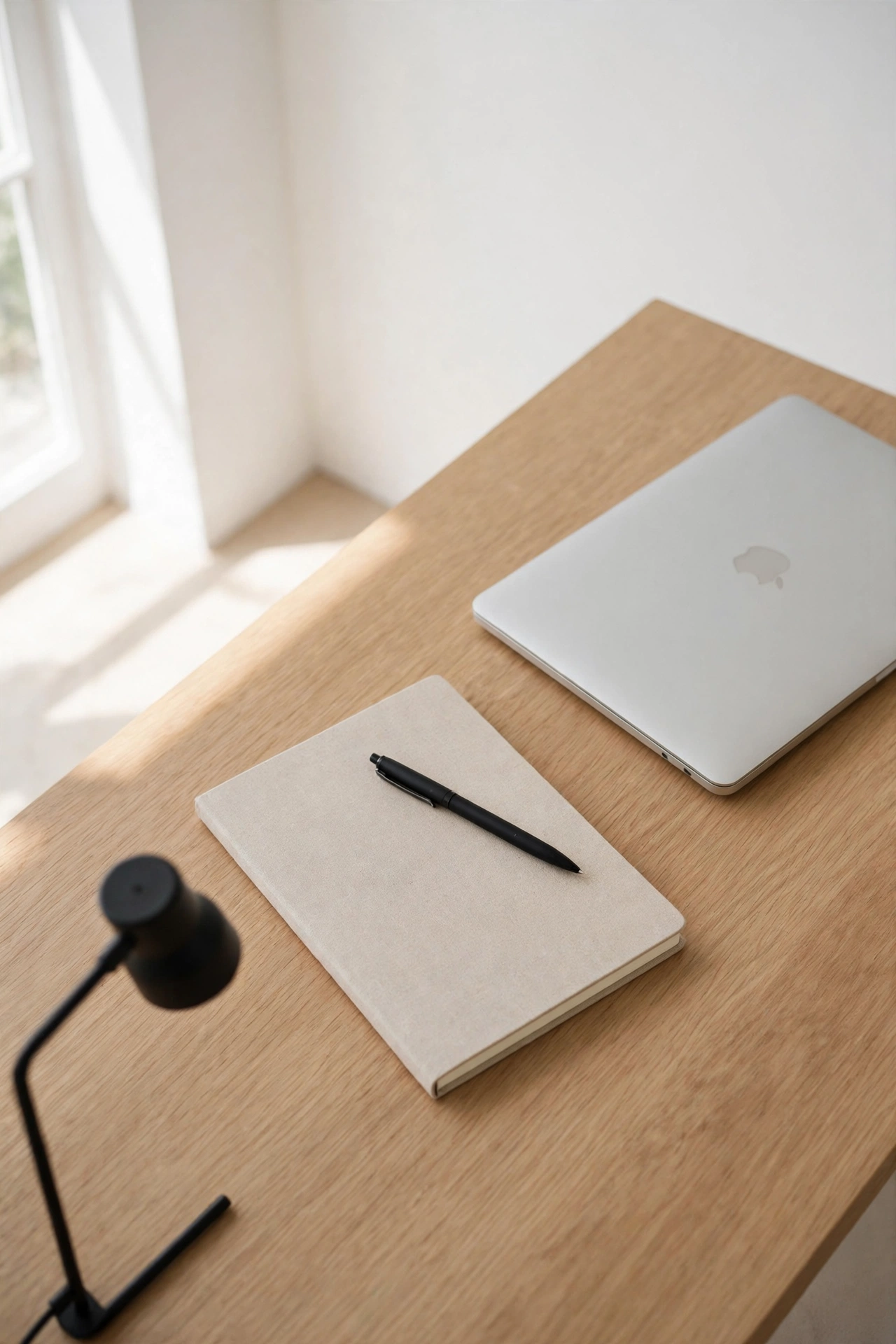
You can’t organise clutter — you can only move it around. Before buying a single organiser, clear your desk completely. Keep only what you use daily: laptop, lamp, notebook, pen, phone charger. Everything else gets relocated, stored or donated.
A clear desk is the foundation. Most people find they need half the “office supplies” they thought they did.
The rule: If it hasn’t touched your desk in a month, it doesn’t live on your desk.
2. Zone Your Desk Like a Workspace
Divide your desk into zones: a work zone (laptop/keyboard front and centre), a reference zone (notebook, documents to one side), and a supply zone (pens, charger in a tray or drawer). Everything has a place, so nothing drifts.
Zoning ends the slow creep of clutter across the desk — items stay in their zone because there’s nowhere else for them to go.
Try it: A simple desk tray or mat visually defines the work zone and keeps it sacred.

3. Go Vertical — Walls Are Free Storage
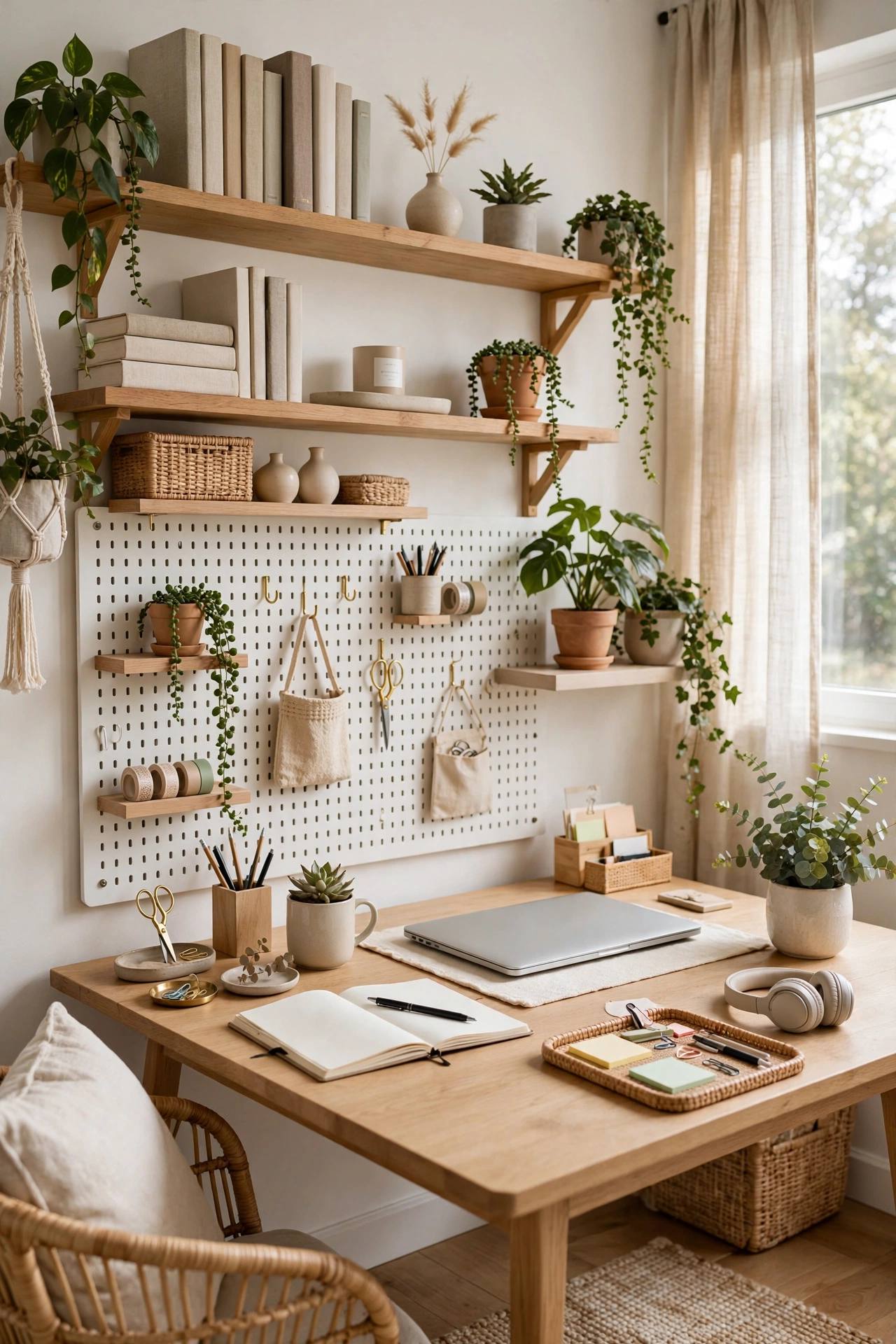
Desk surface is limited; walls are free. Floating shelves, pegboards and wall-mounted organisers move storage upward: reference books on a shelf, supplies on a pegboard, the calendar on the wall.
A pegboard above the desk is the ultimate small-office hack — infinitely reconfigurable, and it keeps everything visible and within reach.
Budget tip: A basic pegboard and a pack of hooks cost very little and transform a bare wall into prime storage.

4. Tame Cables Once and For All
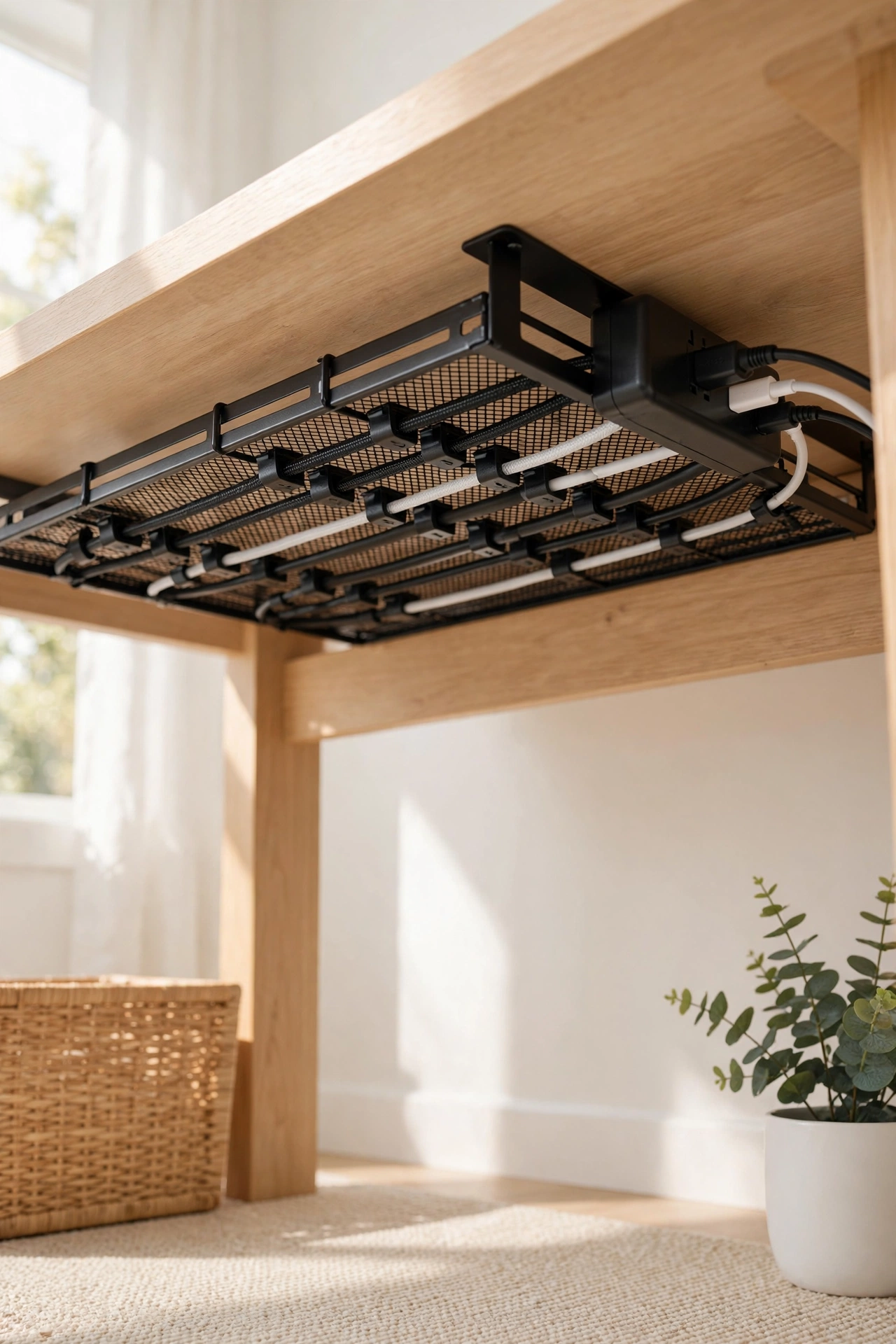
Cable chaos is the fastest way to make a workspace feel stressful. Gather every cable into one system: a cable box or tray under the desk, cable clips routing cords along the desk edge, and labels on each charger.
One focused session tames them permanently. Future you will be grateful every single day.
Budget tip: A pack of adhesive cable clips and a cable sleeve solve most desk cable problems for pennies.
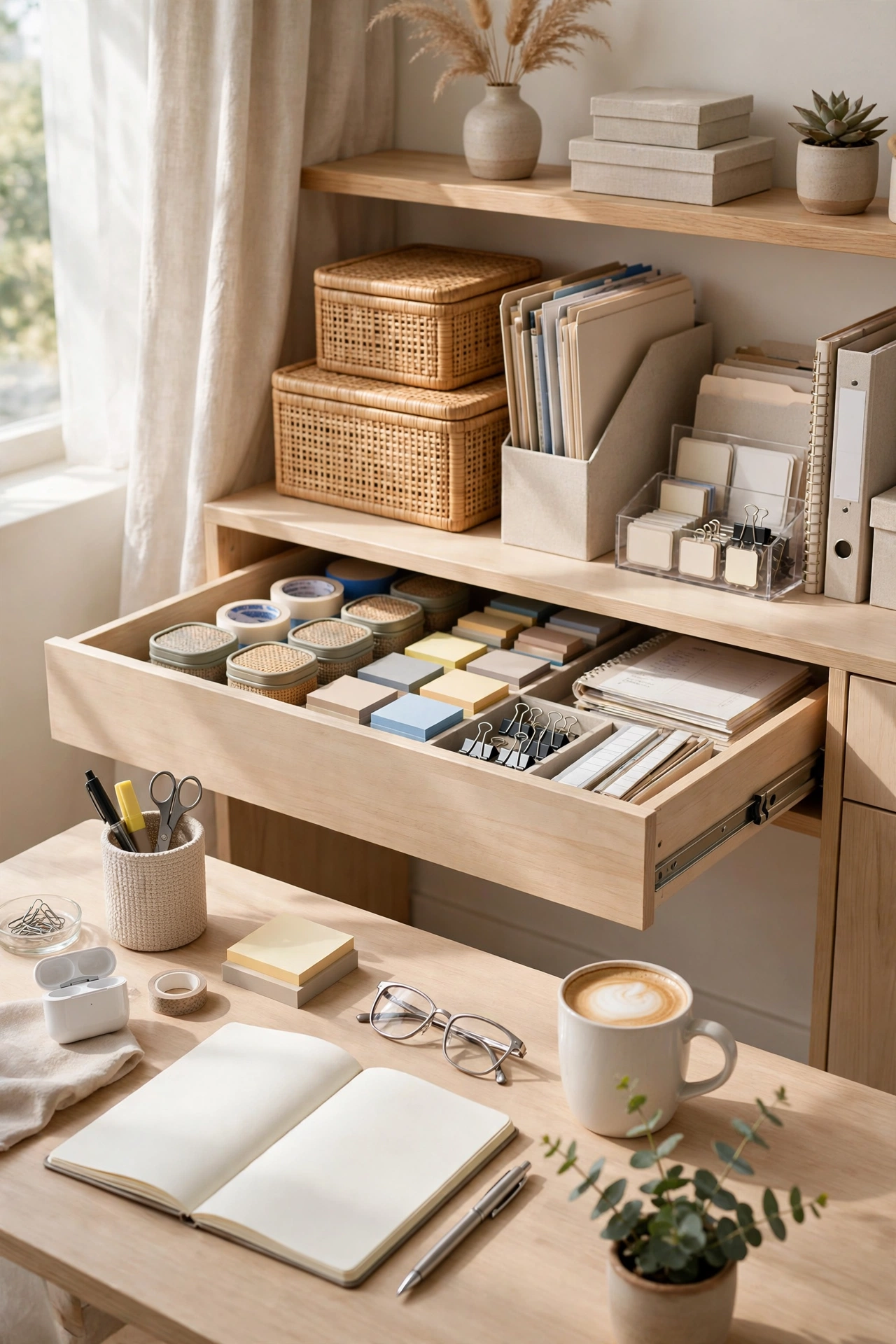
5. Use Drawer Dividers — No More Junk Drawer
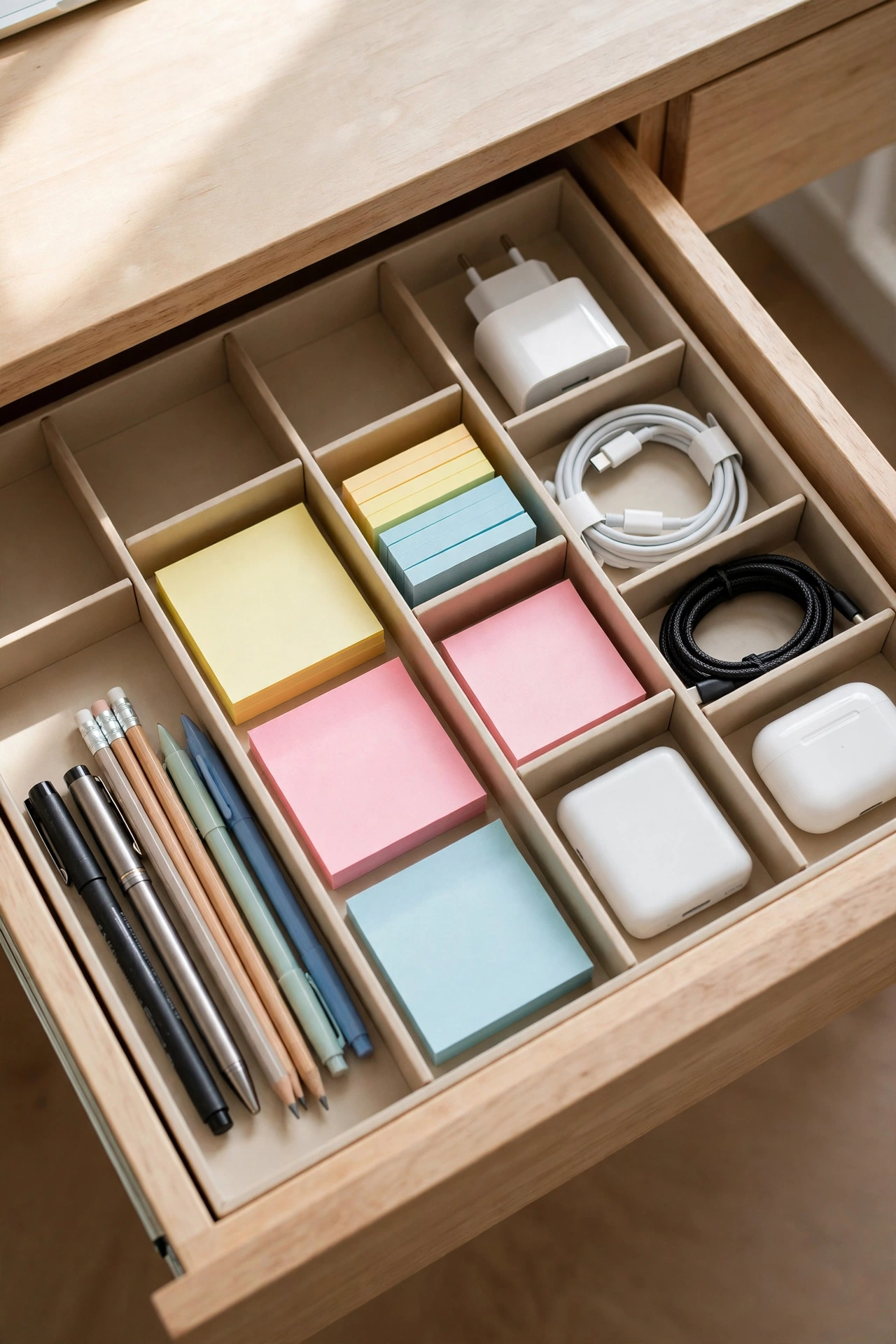
Office drawers become junk drawers without dividers. Adjustable drawer dividers or small trays split one chaotic drawer into neat compartments: pens, sticky notes, chargers, documents, batteries.
Each category gets its own bay. When something doesn’t fit a bay, it doesn’t belong in the drawer.
Why it works: Dividers turn “I’ll just toss it in the drawer” into “it goes in its slot” — the habit changes with the hardware.
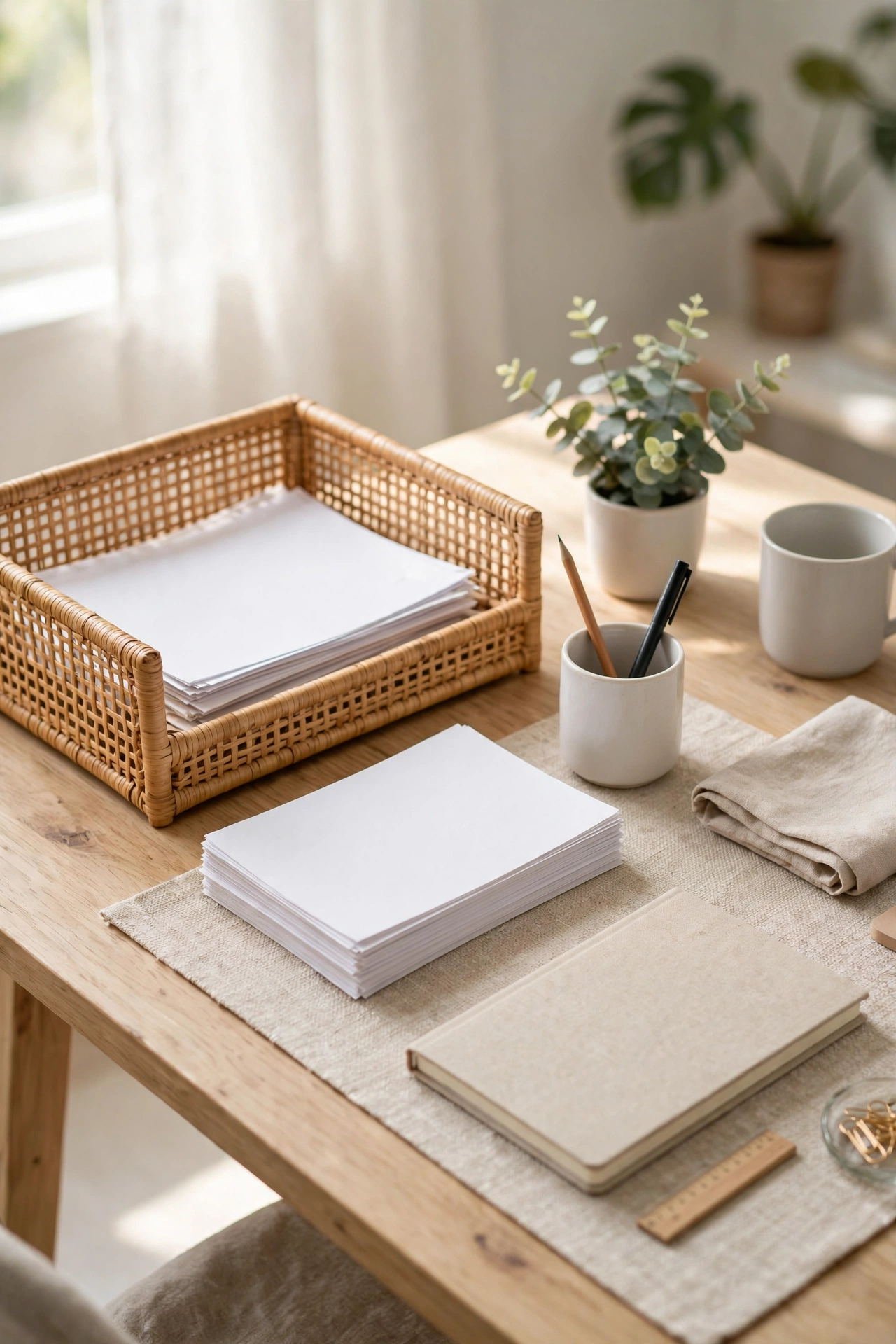
6. Create a Paper Inbox (and Actually Process It)
Paper piles grow because there’s no system. Create one inbox tray for all incoming paper — post, school letters, receipts, printouts. Then process it weekly: action it, file it, or recycle it.
The inbox works because it’s the only place paper is allowed to land. No more piles on the desk, the printer and the windowsill.
The rule: Touch each paper once during processing. Decide, don’t defer.
7. Digitise What You Don’t Need Physical
Manuals, old bills, reference documents — most paper doesn’t need to exist physically. Photograph or scan what you need to keep, file it in named digital folders, and recycle the original.
Keep one slim folder for the must-keep physicals (contracts, certificates). Everything else lives in the cloud, searchable in seconds.
The payoff: One tray instead of a filing cabinet — and you can actually find things.

8. Optimise Your Monitor Setup for Focus
Your screen setup shapes your workday. Position your monitor at eye level (a stack of books or a monitor riser works), keep it about an arm’s length away, and clear the sightline behind it of visual clutter.
A monitor riser doubles as storage for the keyboard or notebooks underneath — free desk space from thin air.
Budget tip: A simple monitor stand with built-in storage costs less than a takeaway and reclaims a surprising amount of desk.
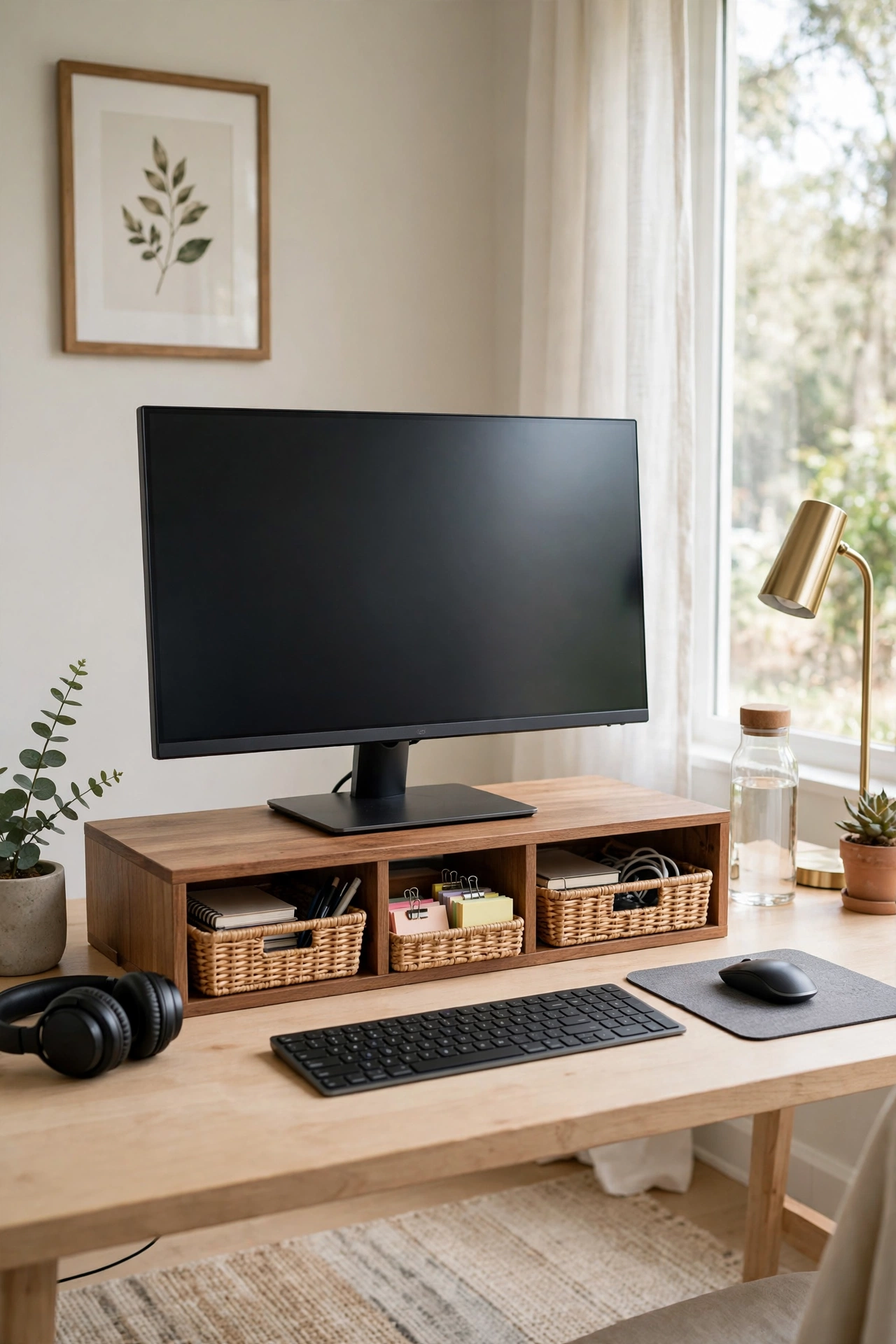
9. Add a Desk Shelf or Riser for Layers
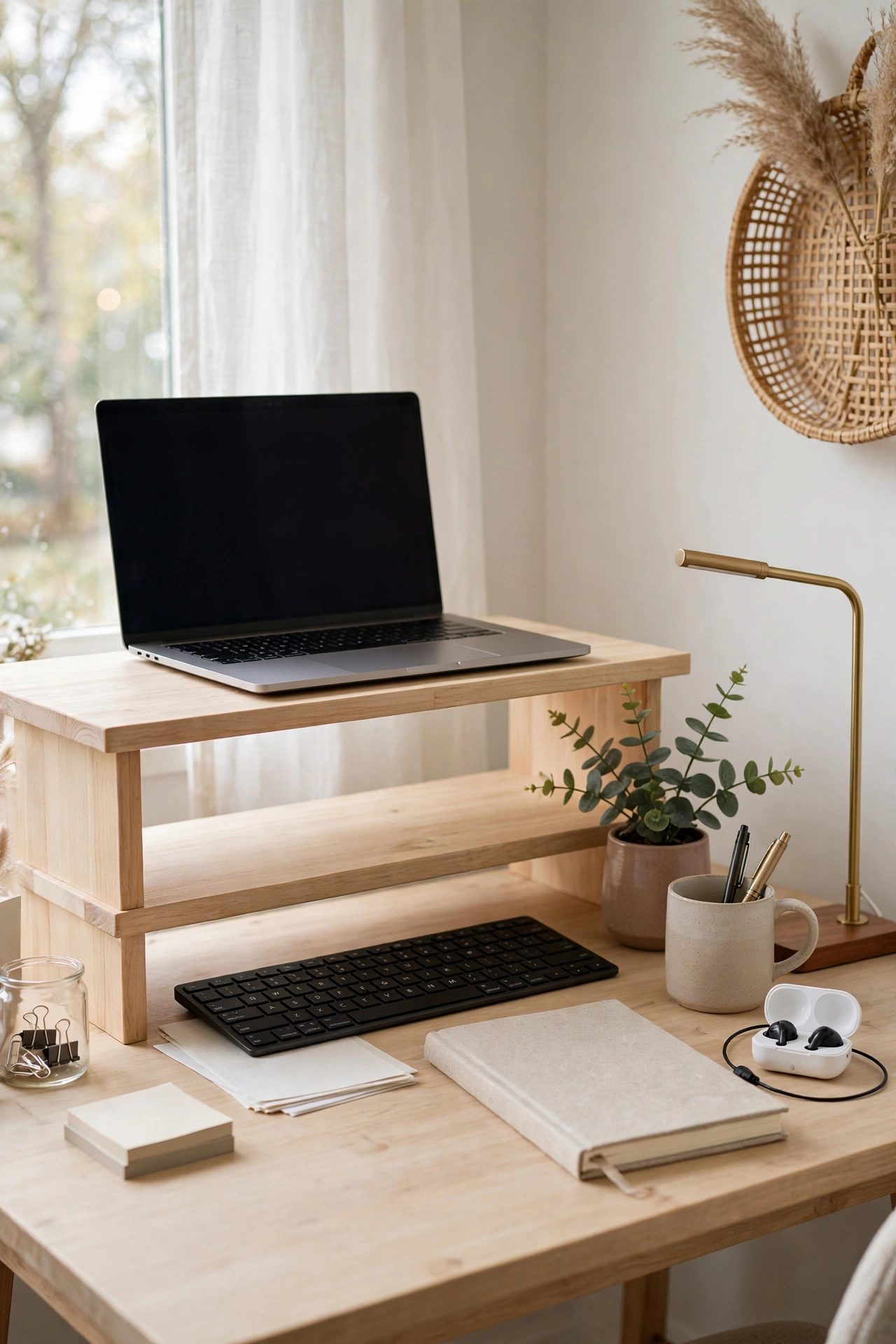
A desk shelf or riser adds a second level to your workspace: monitor or laptop on top, keyboard and notebooks sliding underneath. It doubles usable surface without a bigger desk.
This is the single best upgrade for a small desk — vertical layering beats horizontal sprawling every time.
Small office win: A riser turns a tiny desk into a two-storey workspace.
10. Keep Only Daily Tools Within Arm’s Reach
Everything you touch daily earns desk space; everything else gets stored. Weekly items go in a drawer, monthly items on a shelf, rarely-used items in a cupboard. This “frequency zoning” keeps the desk clear by design.
Audit your desk right now: anything you haven’t touched this week is a relocation candidate.
The rule: Daily on the desk, weekly in the drawer, monthly on the shelf.
11. Use a Rolling Cart for Overflow
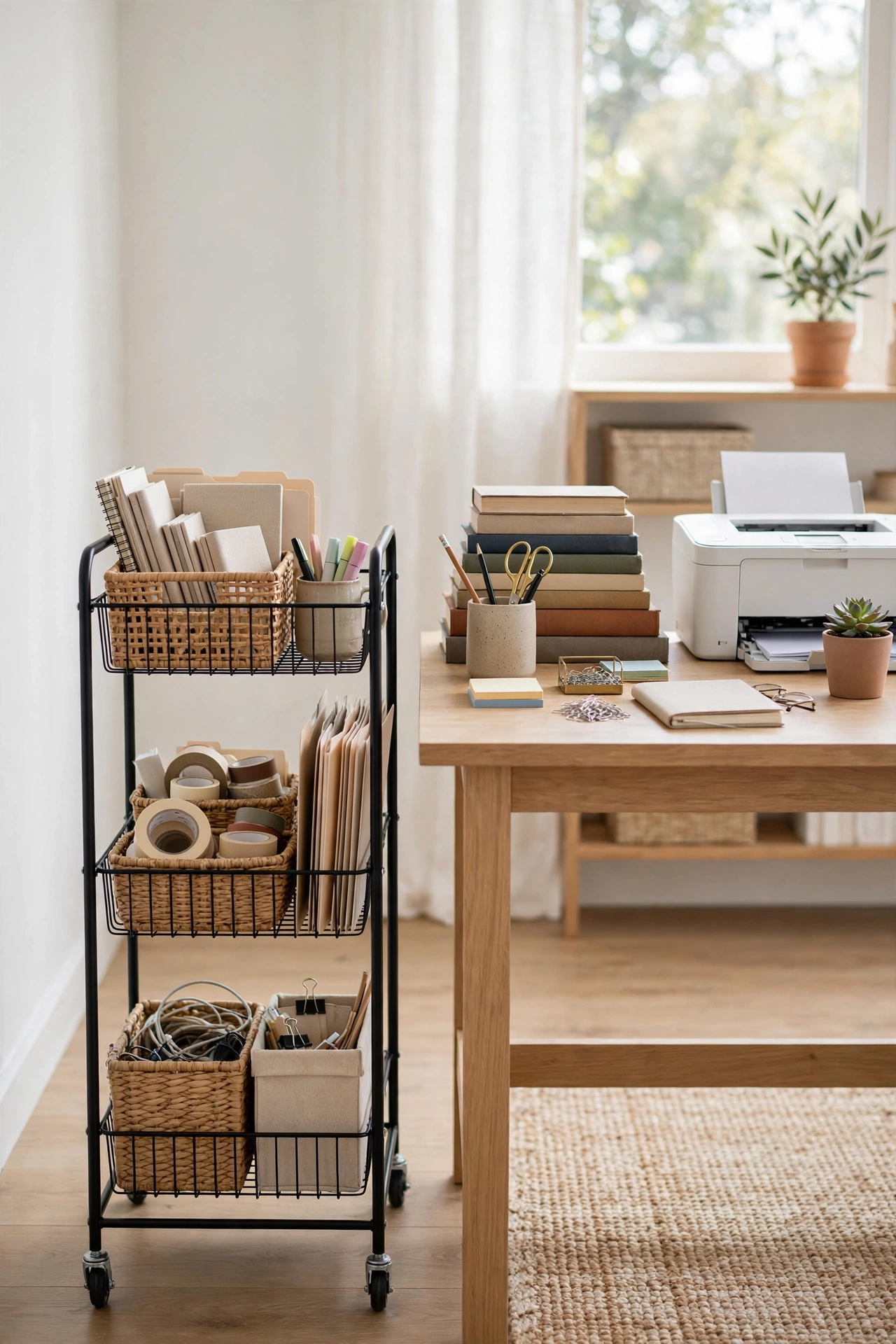
When the desk can’t hold everything, don’t buy a bigger desk — get a rolling cart. A slim 3-tier trolley beside the desk holds the printer, reference books, stationery and supplies, rolling away when not needed.
It’s the most flexible storage in the home office world: extra surface, extra storage, zero commitment.
Budget tip: Rolling carts are inexpensive, and they work in every room when office life changes.
12. Light It Right — Good Lighting Boosts Focus
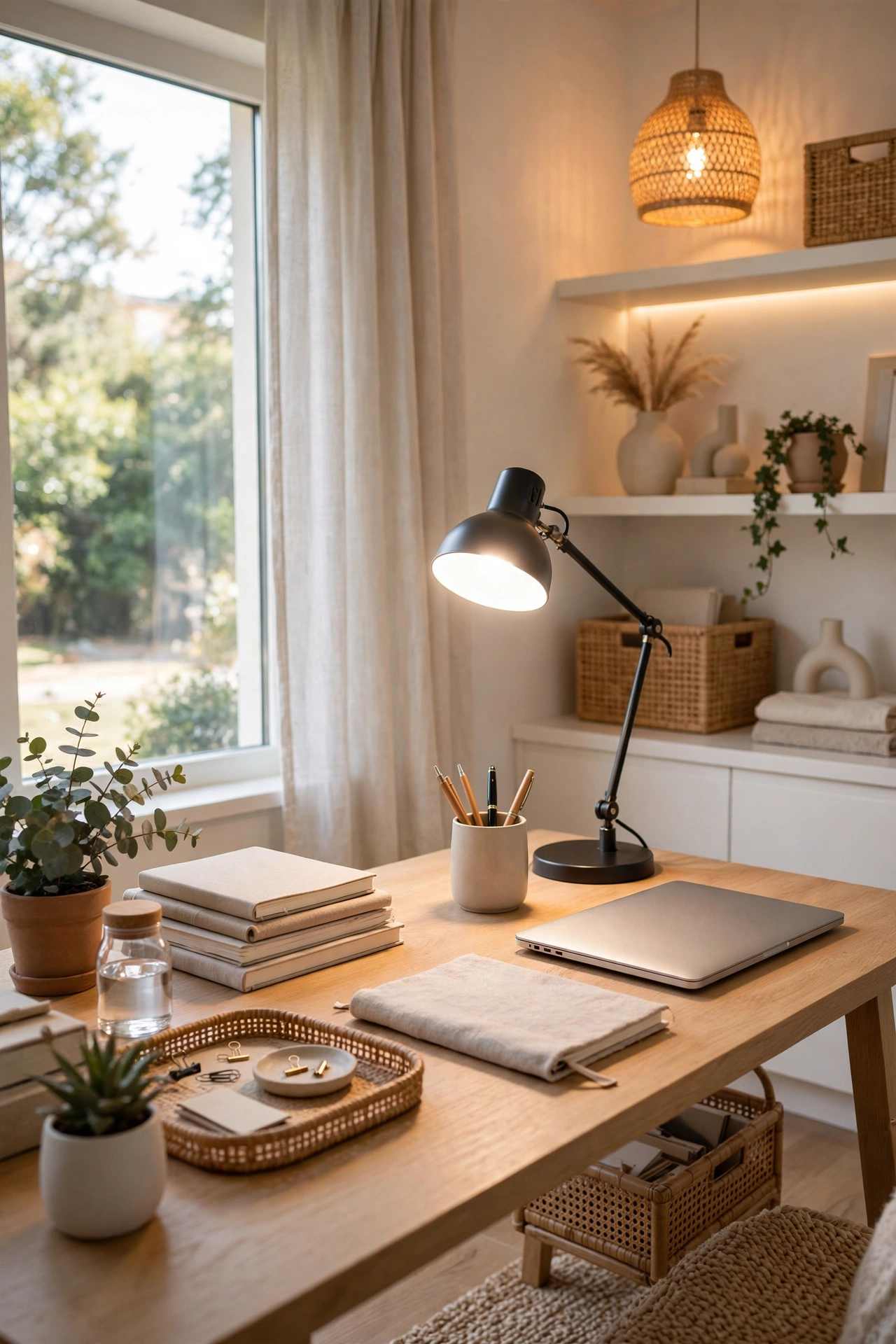
Dim, flat lighting drains energy. Layer your office lighting: daylight or a bright desk lamp for task work, plus warm ambient light for video calls and late sessions. Position the lamp to avoid screen glare.
Natural light is best — face your desk toward a window if you can, with the screen perpendicular to avoid reflections.
Why it works: Good lighting reduces eye strain and signals “work mode” to your brain.
13. Create a Shutdown Ritual (and a Tidy Desk to Match)
End each workday with a 5-minute shutdown: clear the desk, close the tabs, write tomorrow’s top three tasks, and put everything back in its home. You start the next day calm instead of chaotic.
The tidy desk is part of the ritual — it draws a line between work and home, which matters when both happen in the same room.
Why it works: Rituals beat willpower. Five minutes tonight buys a clear head tomorrow.

14. Personalise Without Cluttering
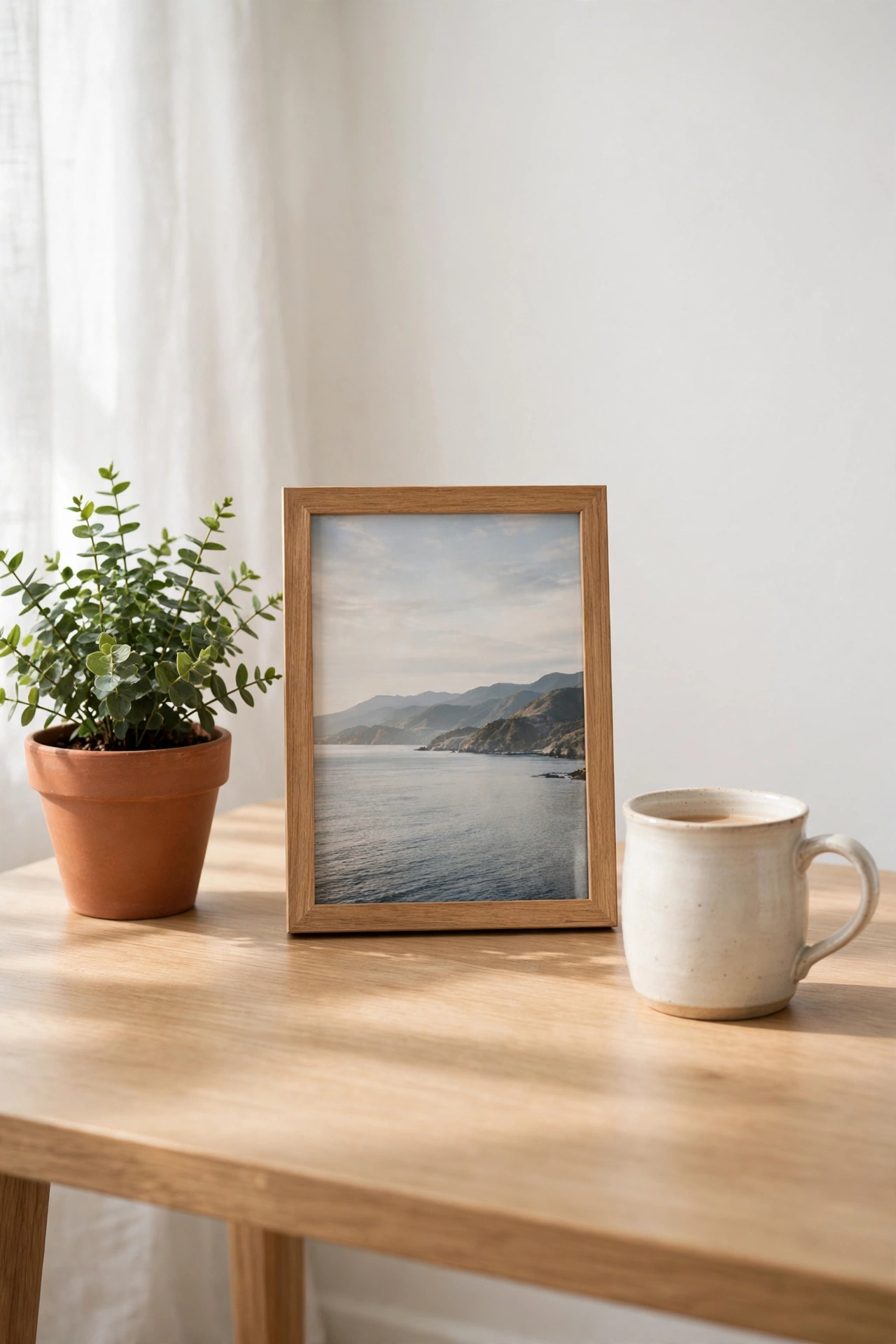
A workspace should feel like yours — but personal items multiply into clutter fast. Choose 2–3 meaningful items (a plant, a photo, a favourite mug) and give the rest a home elsewhere.
One plant is decor; twelve knick-knacks are clutter. Edit ruthlessly and your personal touches will shine instead of drowning.
The rule: If it doesn’t make you smile or help you work, it doesn’t earn desk space.
15. Do a Monthly 15-Minute Office Reset
Even good systems drift. Once a month, spend 15 minutes: clear the desk, toss the dried-out pens and dead batteries, file the inbox backlog, wipe the surfaces, and return strays to their homes.
Small monthly corrections keep the office permanently under control — no annual overhaul ever needed.
Why it works: Fifteen minutes is short enough to actually happen, and regular beats heroic every time.
Frequently Asked Questions
How can I organise a small home office on a budget?
Start free: declutter the desk, zone it by frequency, and rotate paper through one inbox. Then spend small amounts on a pegboard, cable clips and drawer dividers — these three transform any workspace for very little.
How do I organise my desk for productivity?
Keep only daily tools within arm’s reach, zone the desk (work, reference, supply), go vertical with shelves and pegboards, and end each day with a 5-minute shutdown ritual.
What is the best way to organise home office cables?
Route all cables through one system: a cable tray or box under the desk, adhesive clips along the desk edge, and labels on every charger. One focused session tames them permanently.
How do I keep my home office tidy long-term?
Frequency zoning (daily on the desk, weekly in the drawer), a weekly inbox process, and a monthly 15-minute reset. Small regular habits beat big reorganisations.
Final Thoughts
A productive home office isn’t about expensive furniture — it’s about systems. Declutter the desk, zone what remains, go vertical, tame the cables, and let small daily rituals do the rest.
Pick three ideas from this list and set them up this week. By Monday, your workspace will feel like a different place — and your work will show it.
For more whole-home systems, explore our Home Organisation Hacks, Small Living Room Decor and Kitchen Organisation guides.